

Why Is My Laser Welding Machine Not Emitting Light?
Time : Sep 11, 2026 View : 682
When a laser welding machine is not emitting light, release the trigger and read the controller, source, and cooling alarms. Identify the symptom: no gas and no laser, gas with no laser, red guide light with no welding output, weak output, or intermittent output.
Record the alarm code. Isolate power when you find a damaged fiber, water near electrical parts, a burning smell, or a repeating alarm.
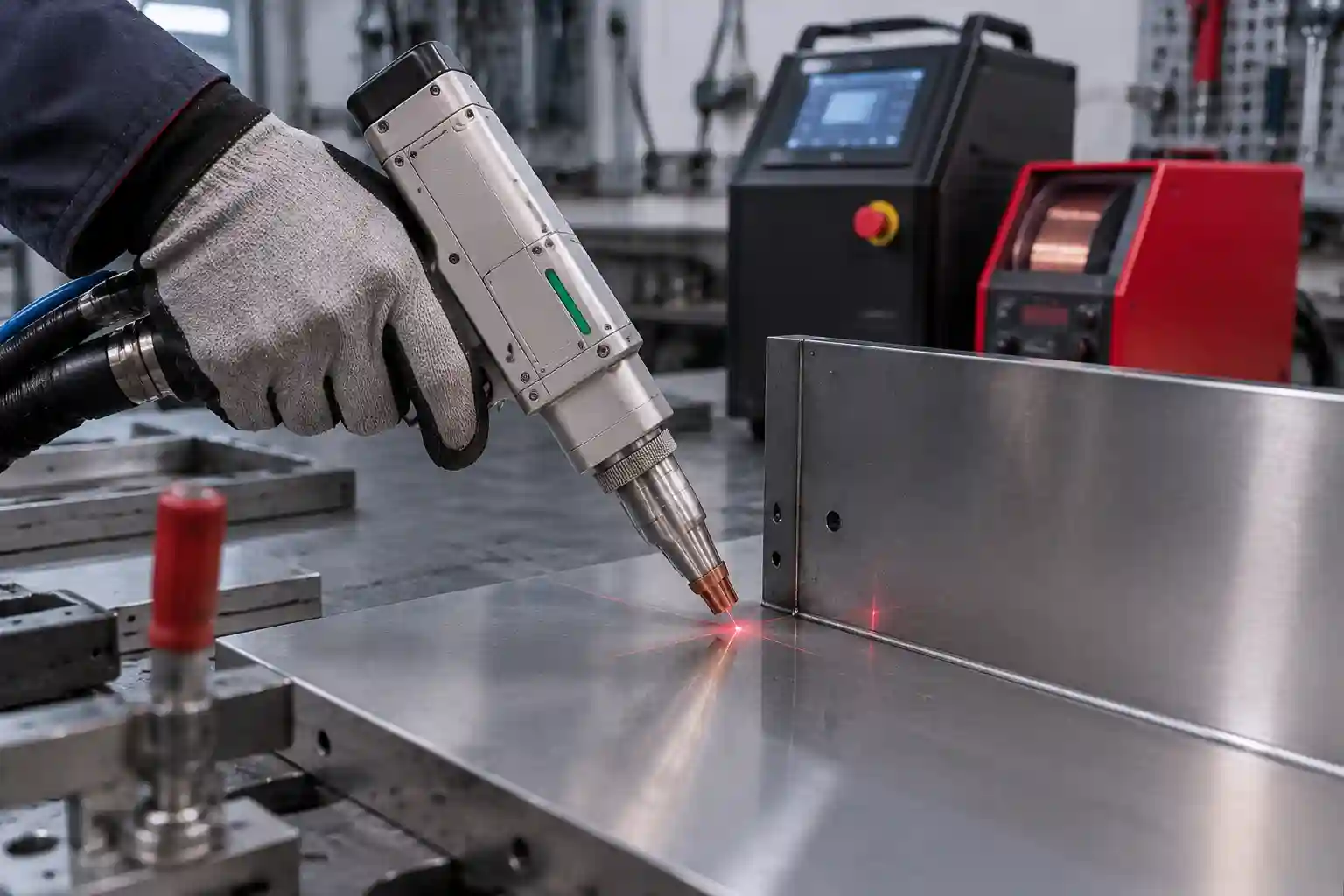
What Does “No Light” Mean on a Laser Welder?
Operators use “no light” to mean that the machine produces no welding energy. The red guide light and main welding laser are separate indicators.
Red Guide Light vs Main Laser Output
WISECUT lists a red laser indicating system and a 1080 +/- 3 nm central wavelength for its WT-W1500 and WT-W2000 handheld laser welding machine models. Source-ready status, controller signals, and an approved test procedure confirm welding output.
Direct viewing of the beam path can expose eyes and skin to laser radiation. The OSHA laser hazards guidance covers beam hazards and controls. Apply the machine manual and local rules.
What the Controller, Source Status, and Gas Flow Tell You
Gas flow confirms that part of the trigger sequence has responded. Controller input, the safety loop, laser enable, source-ready state, and cooling protection still govern emission.
Laser Welding Machine Not Emitting Light: Quick Diagnostic Table
Match the visible symptom to the manual’s operator checks.
|
Symptom |
Likely Area |
Safe First Check |
Service Threshold |
|
No gas and no laser |
Trigger or safety circuit |
Read trigger and clamp input status |
Input stays inactive after external connections are checked |
|
Gas flows, no laser |
Source enable or alarm |
Record source and controller status |
Source never reaches ready state |
|
Red guide light, no welding output |
Command, interlock, or source |
Read emission permission and alarms |
Alarm returns after an approved reset |
|
Weak output |
Lens, settings, gas, or source |
Compare the approved recipe and inspect the protective lens after shutdown |
Lens damage or internal source warning appears |
|
Intermittent output |
Cooling, power, cable, or fiber route |
Record the time, alarm, and machine state |
Fiber damage, unstable alarm, or repeated interruption appears |
The table narrows the next check. Cabinet testing, interlock bypassing, and fiber-connector work require trained personnel.
Which Safety Checks Should You Complete First?
Safety devices participate in the firing circuit. The emergency stop, key switch, access protection, ground-clamp signal, and cooling state may all affect emission.
Emergency Stop, Key Switch, Door, and Safety Interlocks
Read the screen before touching a connector. Confirm the emergency stop, key switch, access protection, and displayed safety inputs. Follow the model’s restart sequence. Bypassing an interlock removes an exposure control.
Ground Clamp, Trigger, and External Connections
Place the ground clamp on clean conductive metal. Paint, rust, oil, or a loose jaw can interrupt the safety signal. With power isolated, inspect approved external plugs for bent pins or cable damage. Internal tests belong to qualified personnel.
Conditions Requiring Shutdown
Keep the machine isolated when the fiber jacket is damaged, water reaches electrical parts, an electrical smell appears, or an alarm returns. Preserve the alarm screen for support.
Why Is There No Gas and No Laser?
Both missing outputs point toward the firing sequence. Review the trigger, clamp, safety inputs, torch connector, and controller state.
Check Trigger and Ground-Clamp Inputs
Watch the monitoring screen while using the approved trigger test. A static input suggests an open safety loop, clamp contact problem, trigger fault, or external connection issue. Power down before reseating an approved plug.
Check the External Torch Connector and Controller State
Machine movement can strain a torch connector or cable. Inspect the external route for crushing, sharp bends, or loose fittings. WISECUT lists a 10 m welding torch cable for the WT-W1500 and WT-W2000; fiber bending limits are separate specifications.
Why Does Gas Flow but the Laser Stay Off?
Gas flow moves the diagnosis toward laser enable, source status, cooling, or the command cable.
Read the Laser Source Status and Alarm Code
Record the source indicator and exact code before clearing it. Temperature, communication, enable, and internal source alarms require different actions. Repeated resets erase useful evidence and may delay diagnosis.
Verify Approved Parameters and the Signal Cable
Compare power, mode, duty cycle, and scan settings with the approved recipe. Use diagnostics to confirm the emission command. A technician can test the signal path if the source remains inactive.
Can Cooling or Power Stop Laser Output?
Cooling protection can hold the source in standby. Power quality and grounding can also produce alarms or unstable operation.
Water-Cooled System Checks
For a water-cooled laser welding machine, read the chiller alarm channel and inspect the visible water level, hose route, filter, pump status, and ventilation space. Use the model’s temperature and flow limits. A repeating alarm requires service diagnosis.
Air-Cooled System Checks
An air-cooled laser welder uses a separate heat-management route. Keep specified inlets and outlets clear, read temperature warnings, and follow the model’s environmental limits.
Power Checks Reserved for Qualified Personnel
Operators can compare the alarm with the nameplate and manual. Voltage measurement, cabinet inspection, and protective-earth verification require qualified electrical personnel and the site’s lockout procedure.
Why Is There Red Guide Light but No Welding Beam?
The red guide light confirms the aiming circuit. Main output still needs emission permission, normal safety inputs, valid settings, cooling approval, and source-ready status.
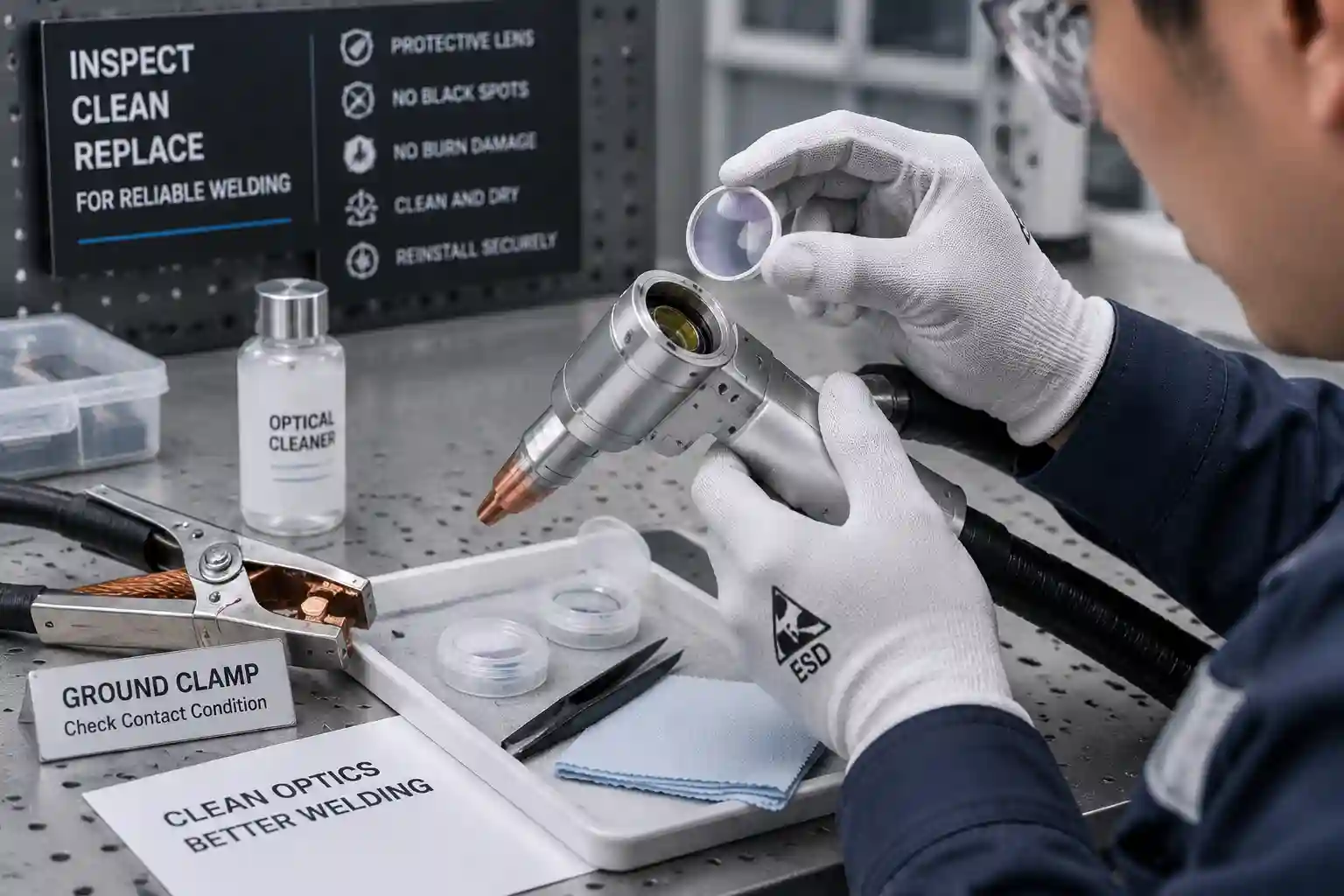
After full shutdown, inspect the protective lens only through the approved maintenance procedure and in a clean area. Black spots, cracks, or contamination call for the specified replacement process. Fiber connectors and internal optics require trained service work.
Why Is Laser Output Weak or Intermittent?
Weak or intermittent output can track with an alarm, unstable cooling, a loose cable, lens contamination, gas delivery, or fiber routing stress. Note whether it appears at startup, after welding, during movement, or on one recipe.
Capture the controller, source indicators, chiller display, gas status, recipe, and event time. This record shows whether the fault follows heat, motion, settings, or a connection.
When Should You Contact Technical Support?
External checks end when diagnosis reaches cabinet wiring, internal optics, fiber connectors, source repair, or electrical measurement.
|
Evidence Item |
Example |
Why It Helps |
|
Machine identity |
Model and serial number |
Links the case to the correct wiring and manual |
|
Alarm evidence |
Controller, source, and chiller screenshots |
Preserves the exact protection state |
|
Symptom branch |
Gas/no laser or red light/no output |
Narrows the signal chain |
|
Recent event |
Move, maintenance, lens change, or power event |
Identifies a useful starting point |
|
External condition |
Photos of clamp, plugs, hoses, and cable route |
Shows visible setup and damage |
Send this package before replacing parts. It gives the service team a defined symptom, machine configuration, and event sequence.
Conclusion: Turn the Symptom Record Into a Service Decision
A laser welding machine not emitting light needs a symptom-based check: safety inputs, trigger and clamp, source status, cooling, approved settings, external cables, and optics. The service threshold begins at repeating alarms, fiber damage, water near electrics, internal testing, or source repair.
WISECUT’s handheld welding range includes water-cooled and air-cooled routes. Its published service path includes English remote technical support, training, spare-parts supply, and arranged on-site support. Send the model, alarm screenshots, controller and source state, cooling display, gas status, recent event, and external-connection photos through technical service support so the next diagnostic step matches the machine.
FAQ
Q1: Why does my laser welder show red light but no laser beam?
A: The red point is an aiming indicator. Main output also requires emission permission, normal interlocks, valid settings, cooling approval, and a ready laser source. Read those states on the controller and source panel.
Q2: Can a ground clamp stop a laser welding machine from firing?
A: A ground clamp can form part of the safety input. Clean conductive contact, a secure jaw, and an intact external cable allow the controller to receive that signal. Follow the machine manual for the clamp test.
Q3: Can a chiller alarm cause a laser welder to have no light?
A: Yes. A water-cooled system may hold laser output when temperature, level, flow, pump, or sensor protection activates. Record the alarm channel and inspect only the operator-accessible items listed in the manual.
Q4: Why does shielding gas flow while the laser stays off?
A: Gas flow confirms one stage of the trigger sequence. A source alarm, inactive emission command, open safety input, cooling protection, setting, or signal-cable issue can still hold the laser off.
Q5: Which laser welder checks require a qualified technician?
A: Cabinet wiring, voltage measurement, protective-earth testing, fiber connectors, internal optics, and laser-source repair require qualified personnel. Operators can record alarms and inspect approved external items under the model manual.


